 Radiant Optimizer Games
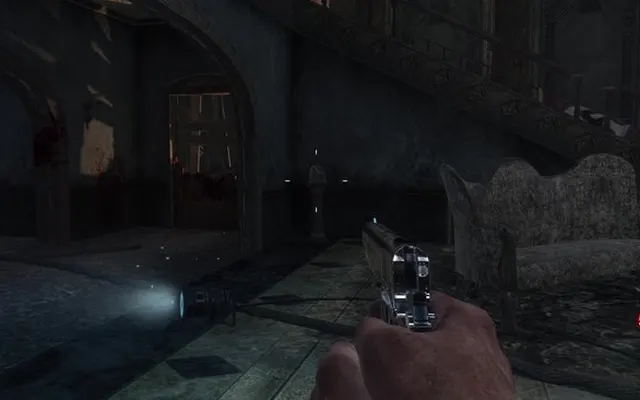 ShooterBO1 Zombies
Browser games, organised
Radiant Optimizer games.
The best games you can play in a browser tab, in one place: Black Ops zombies, Skate 3, Halo, Quake and more. No installs, no sign-up. We tell you what works before you click.
- 25 games
- ✓ no sign-up
- ↗ original links only
How it works
- 1
Pick a game
Browse 25 browser games, or filter by genre, device and how ready they are to play.
- 2
Check the label
Green plays instantly. Yellow may need a big download. Blue needs files from your own copy.
- 3
Play in a tab
Hit Play and the game opens on the original project's site. Nothing to install.
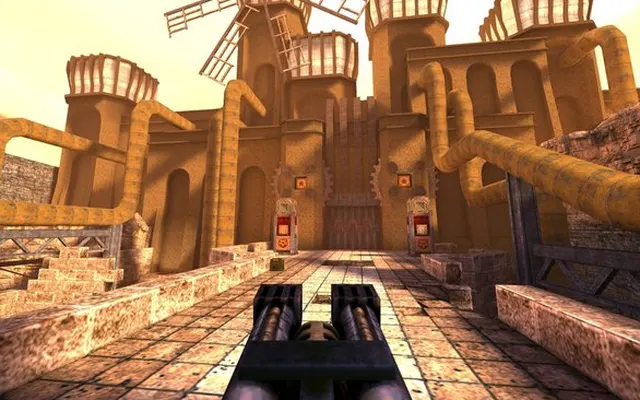 ShooterQuake 1
Start here
Quake. In a tab.
Online arenas, zero install. The classic that made movement an art still loads in seconds.
ShooterBO1 Zombies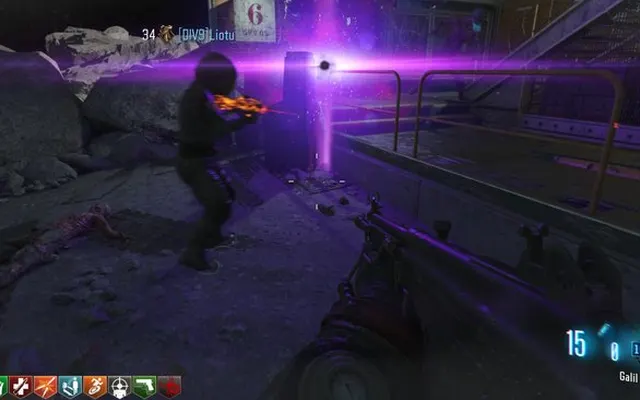 ShooterMoon
 ShooterKino der Toten
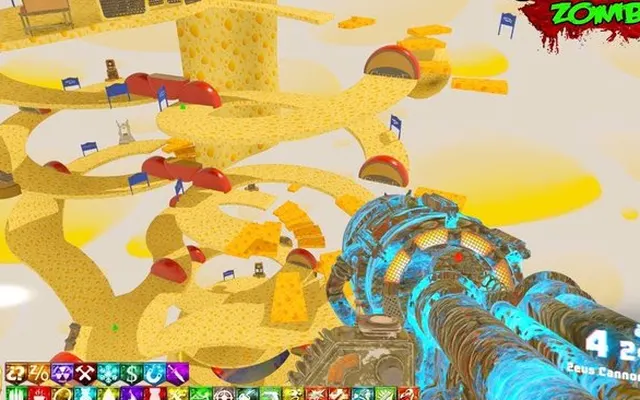 ShooterCheese Cube
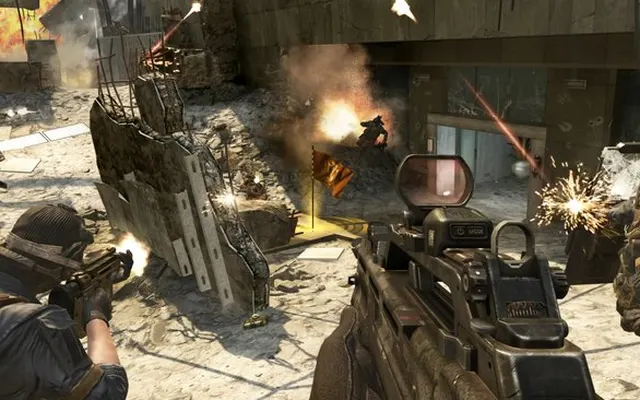 ShooterBlack Ops 2
 ShooterMW2
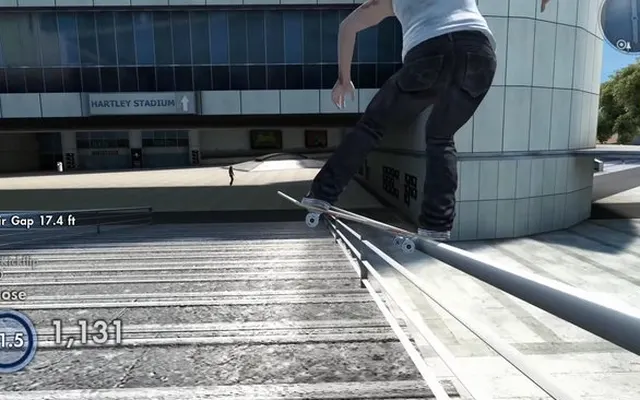 SportsSkate 3
 SportsSkate Rust
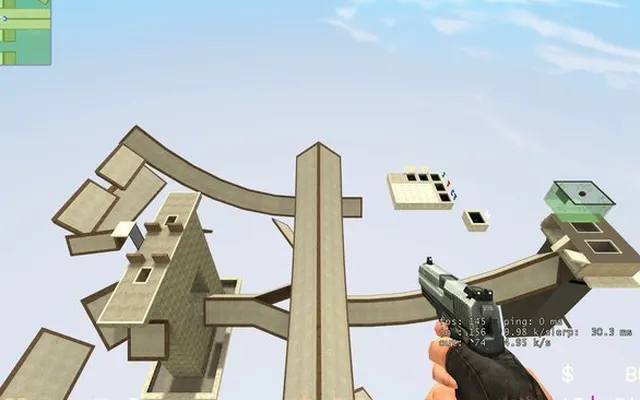 ShooterCS Surf
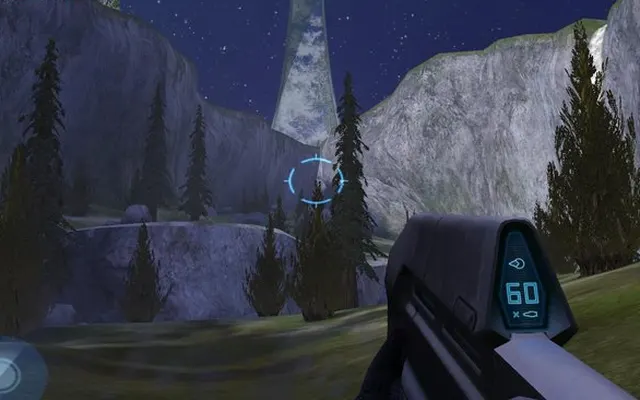 ShooterHalo CE
 ShooterHalo CE Mobile
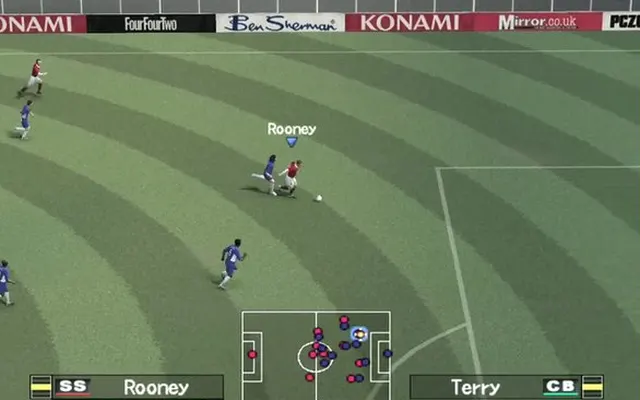 SportsPES 6
 SandboxGTA 5
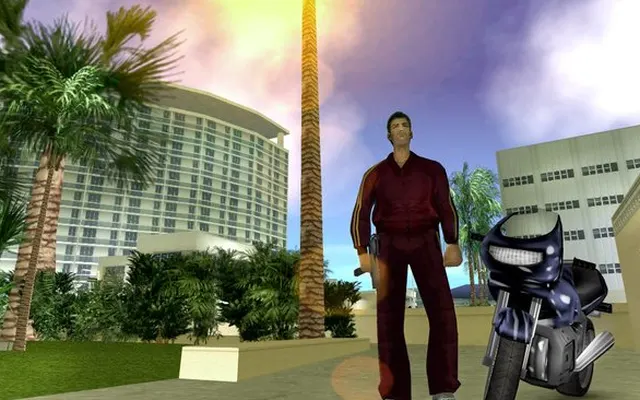 SandboxGTA Vice City
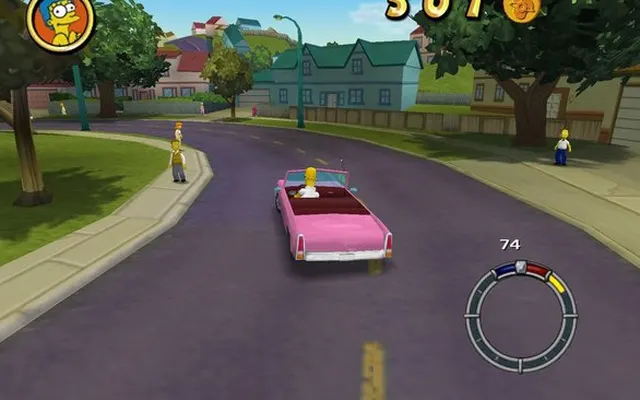 SandboxSimpsons Hit & RunShooterQuake 1
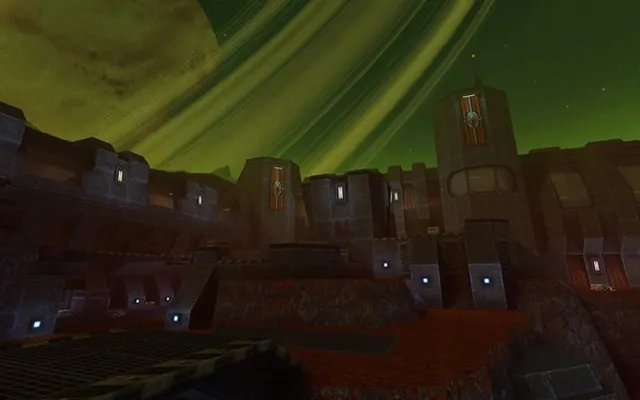 ShooterQuake 2
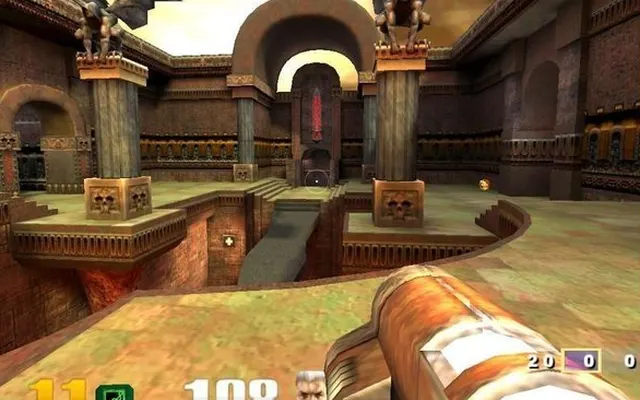 ShooterQuake 3
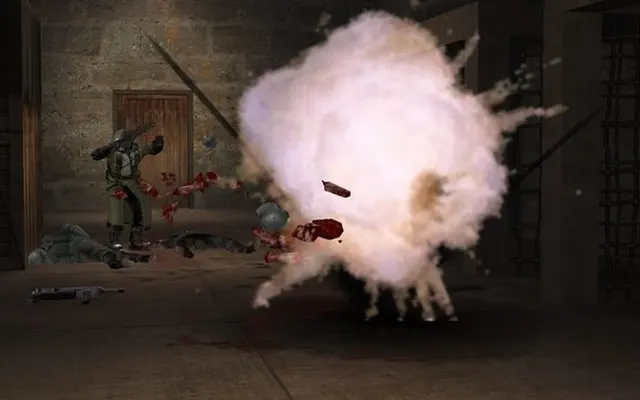 ShooterRTCW
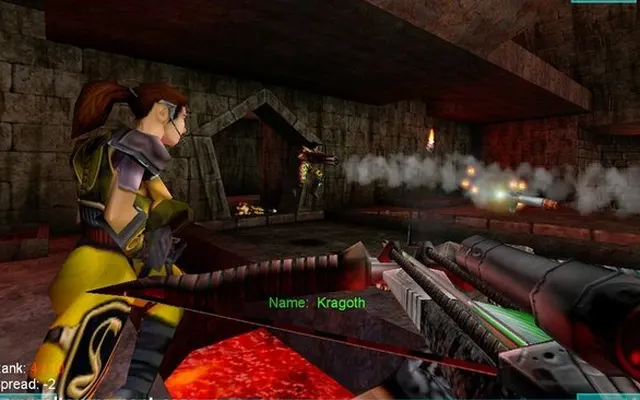 ShooterUT
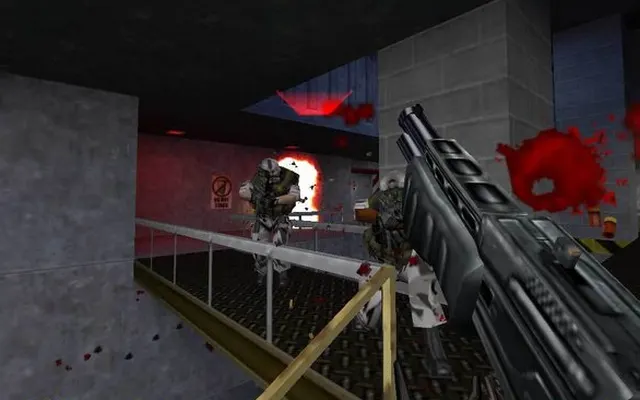 ShooterHalf-Life
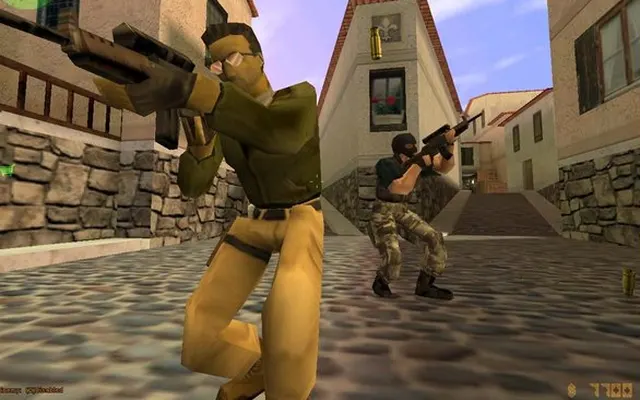 ShooterHL / CS 1.6
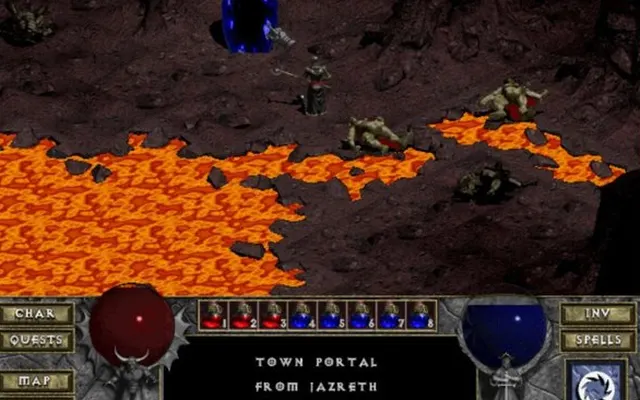 RPGDiablo
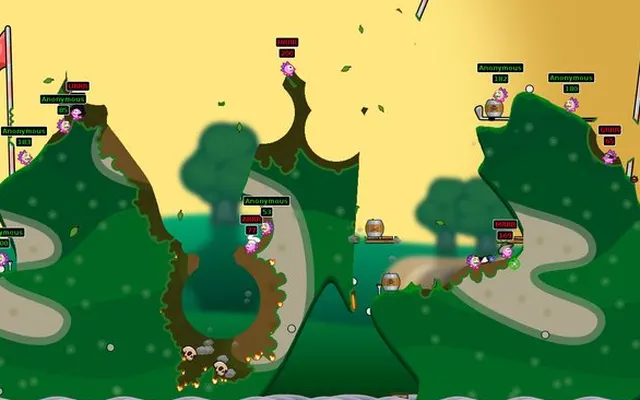 StrategyHedgewars
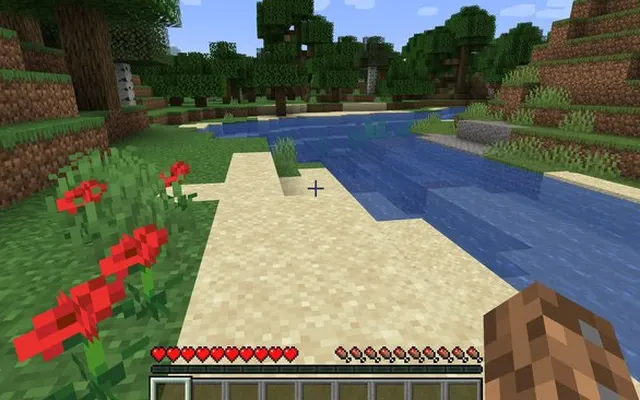 SandboxMore GTA / Minecraft
No games match. Try clearing the filters.
Collections
Know another browser game?
Send it in and we will add it after a quick check.
Play PC classics in your browser
A few years ago, playing Quake, Half-Life or GTA: Vice City meant installing the game first. Today, thanks to WebAssembly and WebGL, many classic PC games and fan remakes run directly inside Chrome, Edge or Firefox. Open a tab, wait for the download, and you are in.
Radiant Optimizer Games collects the best of them, from Black Ops zombies maps and Skate 3 to Halo: Combat Evolved, Quake III Arena and Diablo. For every game we explain what it is, how well the browser version works, which controls to use and where the original project lives.
Some ports are complete and free, like the Quake series and the open-source Hedgewars. Others are engines that need the data files from a copy of the game you already own, such as Half-Life and Diablo. We label each one clearly, so you know before you click.
Browse by genre
Questions
What is Radiant Optimizer Games?
A free directory of games that run in a browser tab: classic PC shooters, fan remakes, community ports and open-source games. For each one we show whether it plays instantly, needs a big download or needs your own game files, so you know what to expect before you click.
Is this site official?
No. This is an independent fan directory. It is not affiliated with Radiant Optimizer, Activision, EA, Microsoft, Rockstar or any game publisher. If you are looking for the Radiant Optimizer PC tuning app, visit radiantoptimizer.com.
Do I need to install anything?
No. Every game runs in a browser tab. Some projects ask you to load files from a copy of the game you own; we mark those as “Bring game files”.
Why won't a game load?
Many of these are hobby projects hosted on small servers that can get overloaded when lots of people play at once. Wait a few minutes and try again, use a desktop browser such as Chrome or Edge, and close other heavy tabs.
Is it safe?
We only link to the original project pages and do not host any game files. Never download a launcher or .exe from a browser game page, and never enter passwords.
Which browser is best for these games?
Chrome or Edge on a desktop or laptop gives the best results. Firefox works for most games. Safari and phones are hit and miss, except for projects built for mobile.
Do these games work on a Chromebook?
Many do, especially Quake, Unreal Tournament, CS Surf and Hedgewars. Large ports like GTA: Vice City need more memory than most Chromebooks have.
Can I use a controller?
Some games support gamepads through the browser, notably the skateboarding and football ones. Plug the controller in before opening the game and press a button to wake it up.
How do I add a game to the list?
Use the Submit page. We check every link by hand before adding it, and we only list projects that run in a browser tab without installers.