Radiant Optimizer Games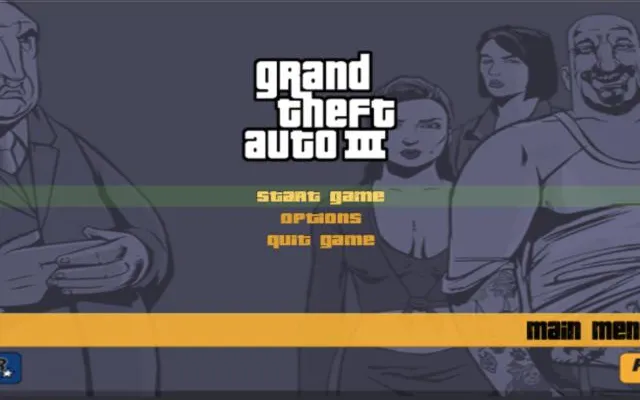
About GTA 3
Grand Theft Auto III (2001) took the series into full 3D for the first time. As Claude, a silent criminal betrayed during a bank heist, you work your way through the mobs of Liberty City in an open world that shaped a whole genre.
GTA 3 in the browser
This version runs a WebAssembly build based on the community re3 project on WASM Arcade. Pressing Play also opens a sponsor tab, and the first load downloads a lot of data, so use a desktop browser with plenty of memory.
How to play GTA 3 online
- Use a desktop browser (Chrome or Edge works best).
- Click “Play now”. The game opens in a new tab on the original project's site.
- Wait for the first load; big games can download hundreds of MB.
- Click inside the game to capture the mouse. Press Esc to release it.
⚠ Never download a launcher or .exe from a browser game page.
Tips for GTA 3
- Let the first load finish completely before pressing keys; assets stream in the background.
- Use the site's Saves button to export your progress, because a crashed tab loses it.
- Lower the in-game draw distance if the frame rate drops.
GTA 3: questions and answers
Can I play GTA 3 online for free?
Yes, it is free to open in your browser. It may need a large download, and the server can be slow when it is busy.
Do I need to install GTA 3?
No. Everything runs inside the browser tab. Close the tab and nothing stays on your computer apart from the browser cache.
Does GTA 3 work on a phone or Chromebook?
It is built for desktop browsers. Chromebooks with an up-to-date Chrome usually work if they have enough memory; phones are not officially supported.
Why is GTA 3 not loading?
Fan-made browser ports often run on small servers. Wait a minute and refresh, use Chrome or Edge on a desktop, close other heavy tabs, and make sure no extension is blocking the page.
Is this the official GTA 3?
No. This page links to an independent web project. Neither Radiant Optimizer Games nor the project is affiliated with DMA Design / Rockstar Games.