Radiant Optimizer Games
About DOOM Shareware
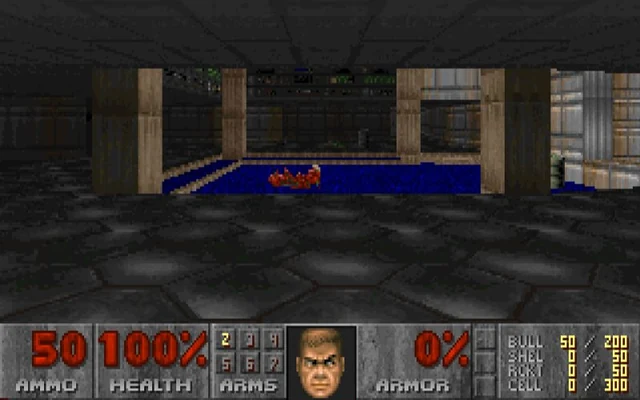
DOOM drops you into a maze of corridors and rooms seen through the marine’s eyes. The status bar keeps ammunition, health and armour visible while you explore.
DOOM Shareware in the browser
Cloudflare built this unofficial WebAssembly port as a networking experiment. The landing page offers solo and multiplayer modes. Our play check covered the solo shareware episode.
How to play DOOM Shareware online
- Select PLAY SOLO and click inside the game to give it keyboard focus.
- Open the menu, choose New Game, then select the first episode and a difficulty.
⚠ Never download a launcher or .exe from a browser game page.
Tips for DOOM Shareware
- If the camera moves by itself at the title screen, open New Game to take control.
- Check the automap when identical corridors make it hard to retrace your steps.
DOOM Shareware: questions and answers
Can I play DOOM Shareware online for free?
Yes. DOOM Shareware (Silent Space Marine) opens in a browser tab on the project's own site, with no download and no sign-up.
Do I need to install DOOM Shareware?
No. Everything runs inside the browser tab. Close the tab and nothing stays on your computer apart from the browser cache.
Does DOOM Shareware work on a phone or Chromebook?
It is built for desktop browsers. Chromebooks with an up-to-date Chrome usually work if they have enough memory; phones are not officially supported.
Why is DOOM Shareware not loading?
Fan-made browser ports often run on small servers. Wait a minute and refresh, use Chrome or Edge on a desktop, close other heavy tabs, and make sure no extension is blocking the page.
Where does the browser version come from?
Cloudflare publishes Silent Space Marine with the DOOM shareware episode.