Radiant Optimizer Games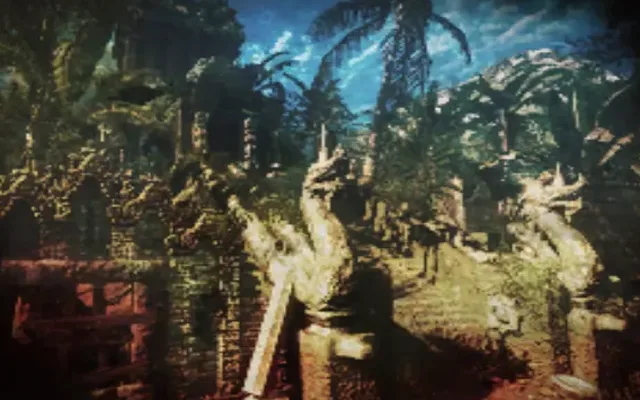
About Shangri-La
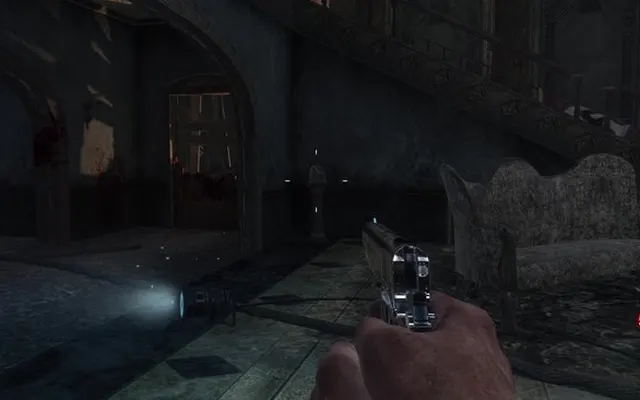
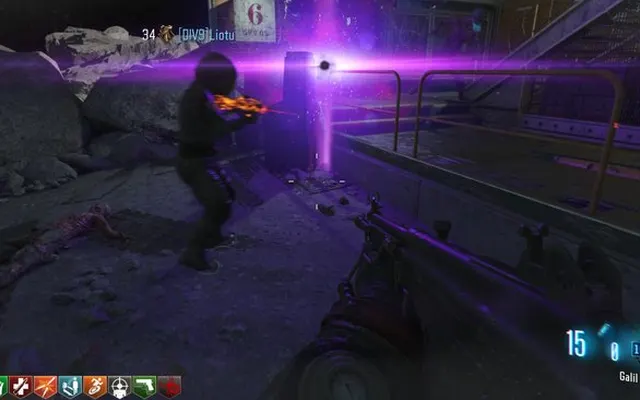
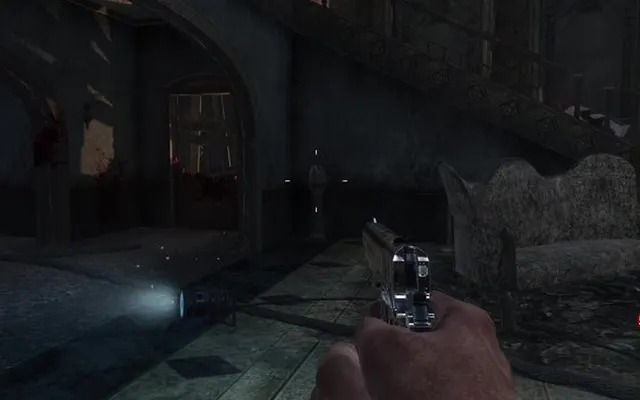
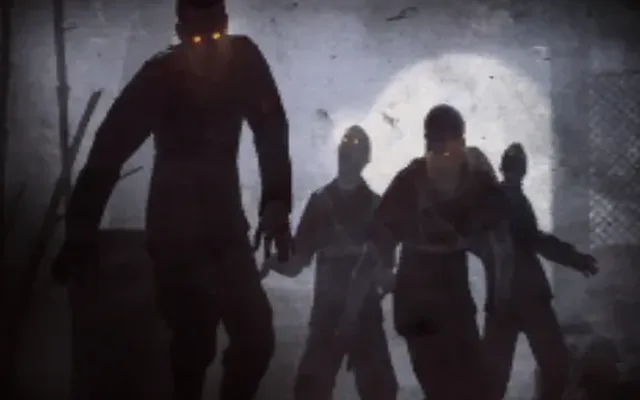
Shangri-La came out in 2011 in Black Ops' Annihilation map pack. Set in a temple hidden in the Himalayas, it is full of traps such as a flooding mine cart and rotating walls, adds Napalm and Shrieker zombies, and introduced the 31-79 JGb215 shrink ray.
Shangri-La in the browser
Part of the Black Ops 1 zombies port on vel.gg, which includes every zombies map from the original game. The first load downloads a few hundred MB; when the intro appears, press any key to start.
How to play Shangri-La online
- Use a desktop browser (Chrome or Edge works best).
- Click “Play now”. The game opens in a new tab on the original project's site.
- Wait for the first load; big games can download hundreds of MB.
- Click inside the game to capture the mouse. Press Esc to release it.
⚠ Never download a launcher or .exe from a browser game page.
Tips for Shangri-La
- Shoot Napalm zombies from a distance; they explode in flames when they die.
- Shriekers blind you with their scream, so take them out first.
- Watch out for the monkeys: they steal your power-ups if you are slow to grab them.
Shangri-La: questions and answers
Can I play Shangri-La online for free?
Yes, it is free to open in your browser. It may need a large download, and the server can be slow when it is busy.
Do I need to install Shangri-La?
No. Everything runs inside the browser tab. Close the tab and nothing stays on your computer apart from the browser cache.
Does Shangri-La work on a phone or Chromebook?
It is built for desktop browsers. Chromebooks with an up-to-date Chrome usually work if they have enough memory; phones are not officially supported.
Why is Shangri-La not loading?
Fan-made browser ports often run on small servers. Wait a minute and refresh, use Chrome or Edge on a desktop, close other heavy tabs, and make sure no extension is blocking the page.
Is this the official Shangri-La?
No. This page links to an independent web project. Neither Radiant Optimizer Games nor the project is affiliated with Treyarch / Activision.