Radiant Optimizer Games
About PolyTrack
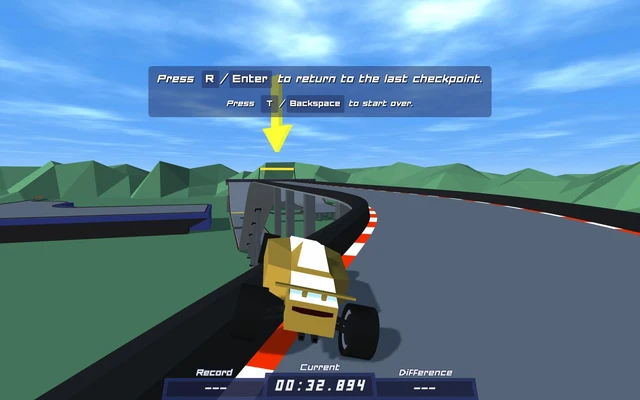
Yellow banners mark the route. The current time ticks up as you drive, and the checkpoint counter shows how much of the course you have covered.
PolyTrack in the browser
Kodub hosts the browser edition on its own site. The first track opens without an account and runs with a desktop keyboard.
How to play PolyTrack online
- Open the game and wait for Summer 1 to appear.
- Accelerate toward the first yellow banner and follow the checkpoint counter to the finish.
⚠ Never download a launcher or .exe from a browser game page.
Tips for PolyTrack
- Ease off before a tight bend so you can line up with the next gate.
- Use the last checkpoint to practise a difficult turn without repeating the whole course.
PolyTrack: questions and answers
Can I play PolyTrack online for free?
Yes. PolyTrack opens in a browser tab on the project's own site, with no download and no sign-up.
Do I need to install PolyTrack?
No. Everything runs inside the browser tab. Close the tab and nothing stays on your computer apart from the browser cache.
Does PolyTrack work on a phone or Chromebook?
It is built for desktop browsers. Chromebooks with an up-to-date Chrome usually work if they have enough memory; phones are not officially supported.
Why is PolyTrack not loading?
Fan-made browser ports often run on small servers. Wait a minute and refresh, use Chrome or Edge on a desktop, close other heavy tabs, and make sure no extension is blocking the page.
Where does the browser version come from?
The Play button opens Kodub’s own PolyTrack page.